Thanks for reaching out and sharing this feedback!
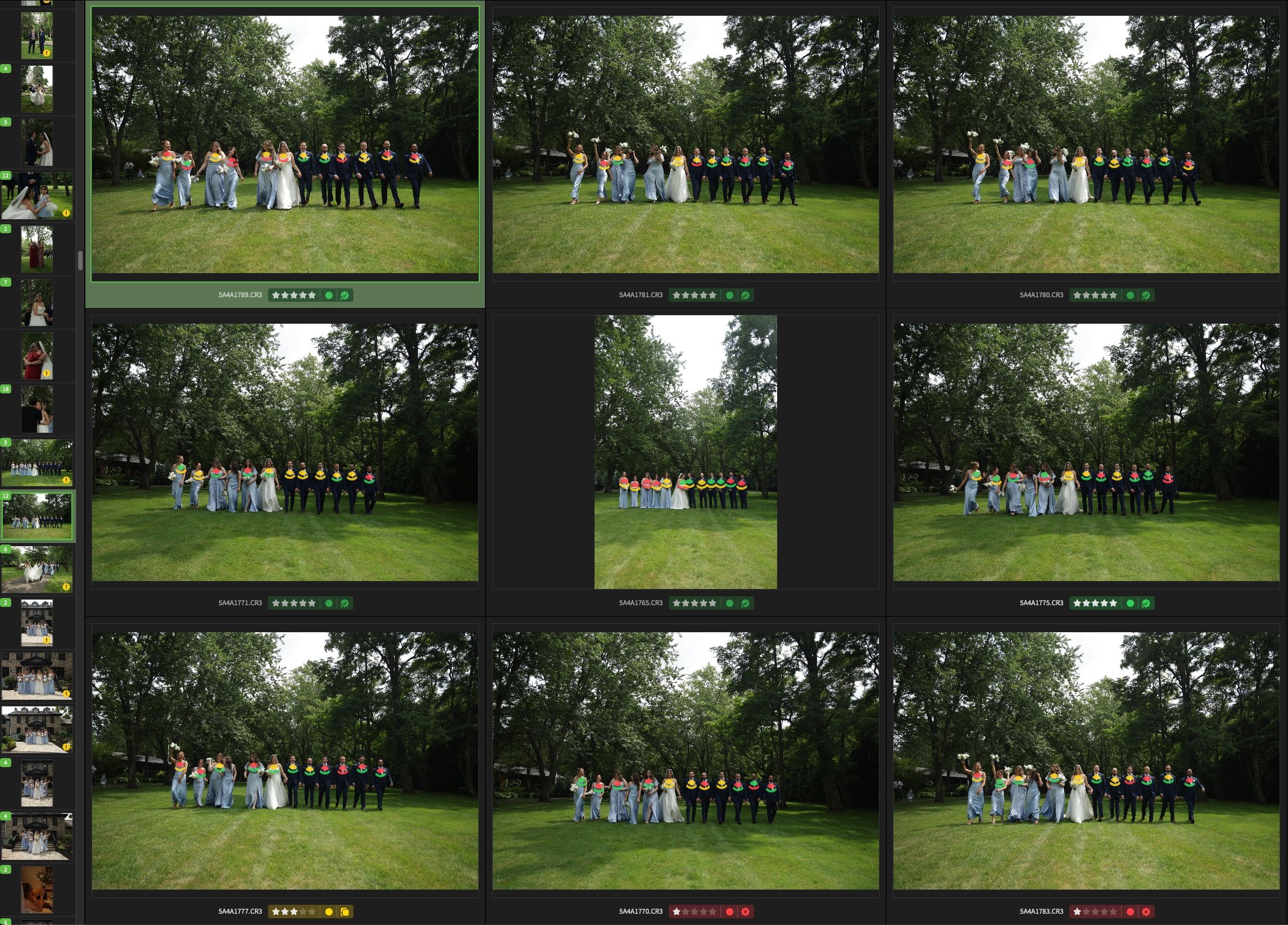
The side-by-side view caps comparison at 9 images by design.
For larger bursts or group shots with more than 9 similar frames, here are the two best workflows:
Use Scenes mode: Keep your larger group open and select up to 9 specific frames at a time directly from the secondary filmstrip to compare them head-to-head.
Adjust Scene Sensitivity in Settings: You can tighten the similarity threshold so OptiCull breaks massive sequences into smaller, tighter clusters automatically.
That said, I completely understand that large group portraits or high-speed bursts naturally generate dozens of frames you want to skim through quickly. Please use the scenes mode for such case.
Log in to comment and vote
Comments1
Shailesh
Nov 10
Thanks for reaching out and sharing this feedback!
The side-by-side view caps comparison at 9 images by design.
For larger bursts or group shots with more than 9 similar frames, here are the two best workflows:
Use Scenes mode: Keep your larger group open and select up to 9 specific frames at a time directly from the secondary filmstrip to compare them head-to-head.
Adjust Scene Sensitivity in Settings: You can tighten the similarity threshold so OptiCull breaks massive sequences into smaller, tighter clusters automatically.
That said, I completely understand that large group portraits or high-speed bursts naturally generate dozens of frames you want to skim through quickly. Please use the scenes mode for such case.